
SDR setup
MigrationWe inhave progressa fordirect set of web based SDRs here:
http://sdr.kamuela.org:8073/#freq=7088000,mod=lsb,sql=-150
http://sdrhpa.kamuela.org:8073/#freq=3888000,mod=lsb,sql=-150
SDRdx software is here:
The mac version of the app is here: beta.zip
Install the software, then open SDRdx app:
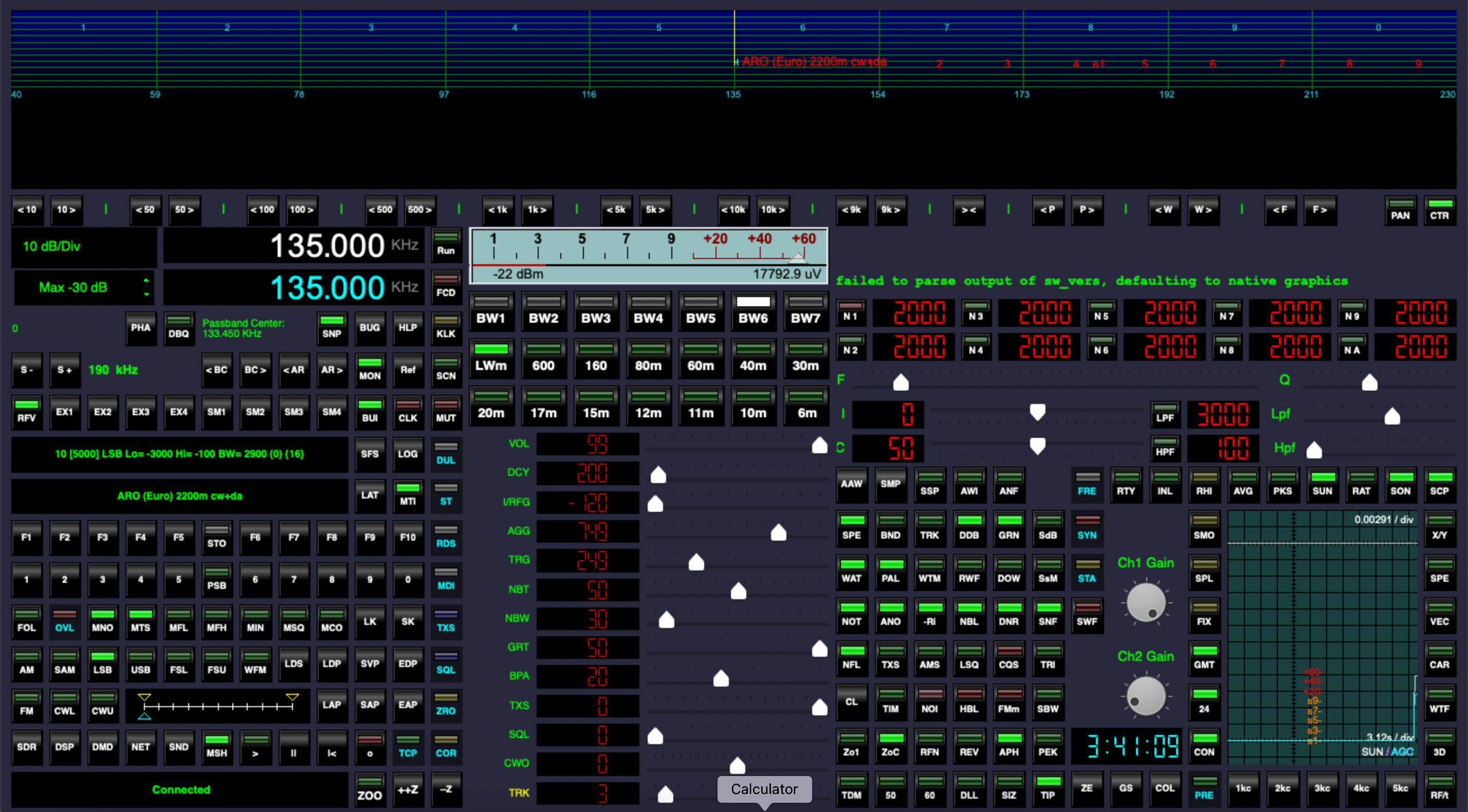
This is a very complex page, here are the parts you need to focus on:
At the bottom, find the NET button, open it:
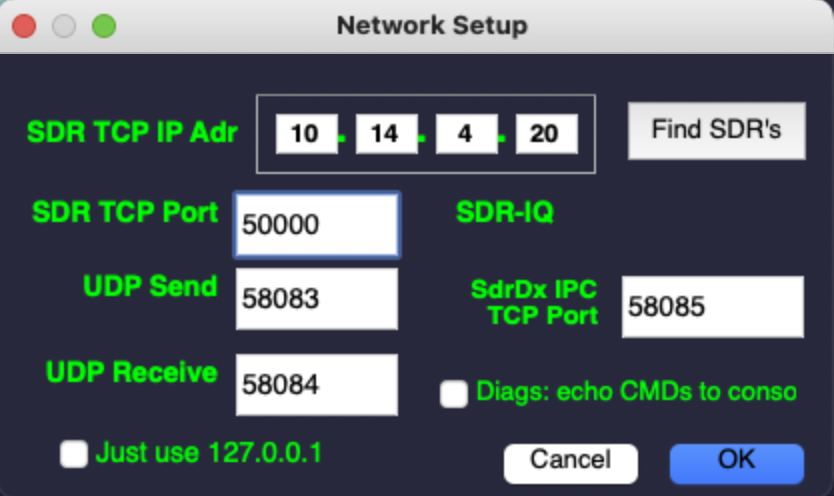
Enter the IP address of the server if you have it, otherwise you can click on "find SDRs"
You can try running it just like that, by hitting the RUN button.
If it makes noise, try hitting the AR> button, which will run through the ham radio frequencies, you may see stuff on the waterfall.
You can also play with the BC> buttons, which will scan through broadcast frequencies (shortwave radio stations)
If you don't hear sound, hit RUN again to stop, then go to SND and make sure the sound is set correctly, you may have to restart the app.
To make the system more sensitive, you can play with the "Max 30dB" button, which will change the sensitivity.
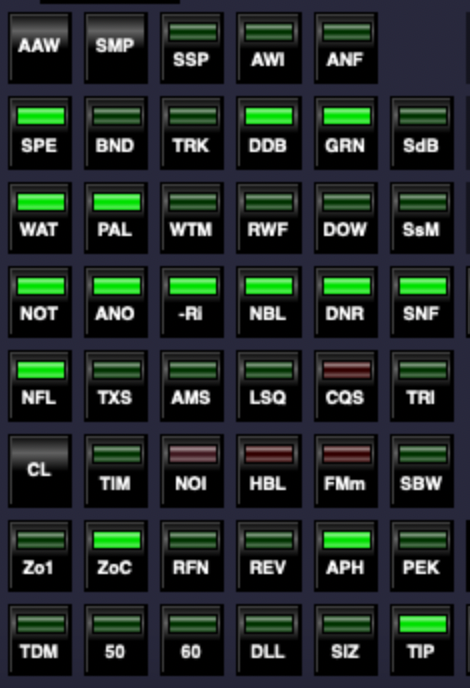
Some cool things to play with on this area:
Migrated from Apple WikiServer Wiki. Original page S8k783t.ID: S8k783t